
API Key Setup in PerformYard
This page will help you get started with the PerformYard REST API.
Introduction
If you are on a PerformYard Premium account, you can set up one or more API keys to update and maintain employee data via the API. The API can be used to create, read, update, or deactivate employees. You must be an Admin in PerformYard to manage your company's API keys
Please confirm API access is available in your PerformYard account with your Customer Success Manager.
Getting Started
-
To get started, navigate Company Settings.
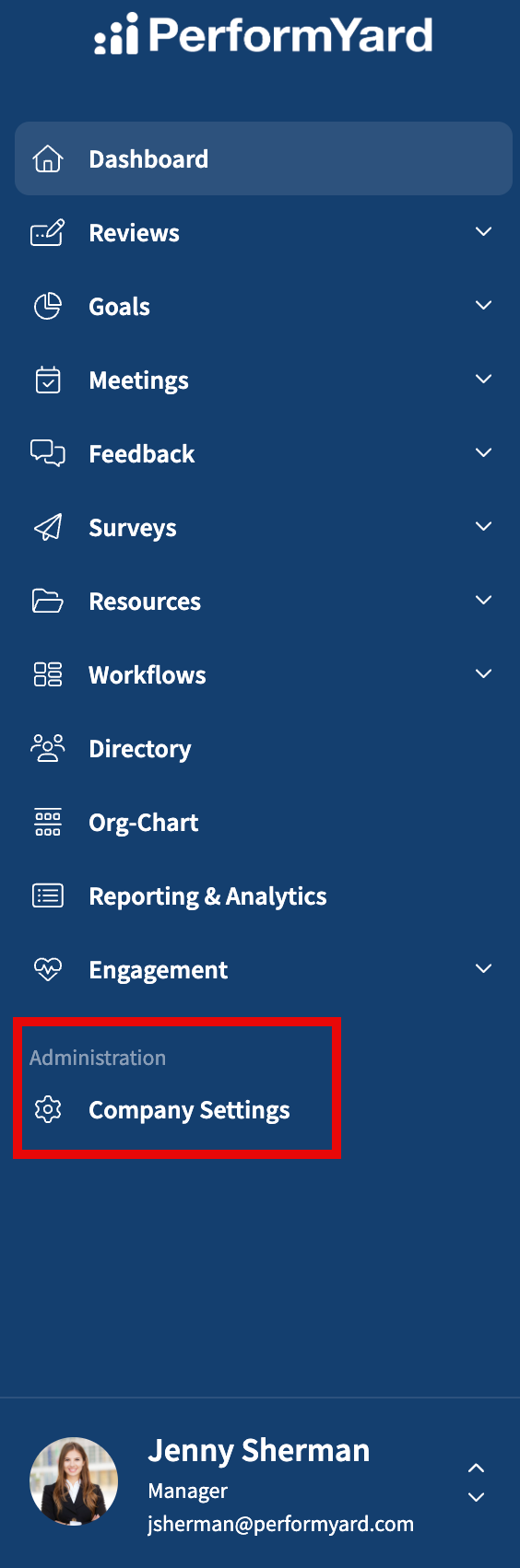
- Next, navigate to the Authentication link in the menu and select API Key. The API Key area offers a unified list of all previously created API keys with the ability to view an API key, edit an API key, delete an API key, and the ability to create new API keys. All previously created API keys are in the list. The API key list is sortable, filterable, and searchable to make it easy to find the specific API keys of interest.

Creating Your API Key
To create an API Key, click + Add API Key.
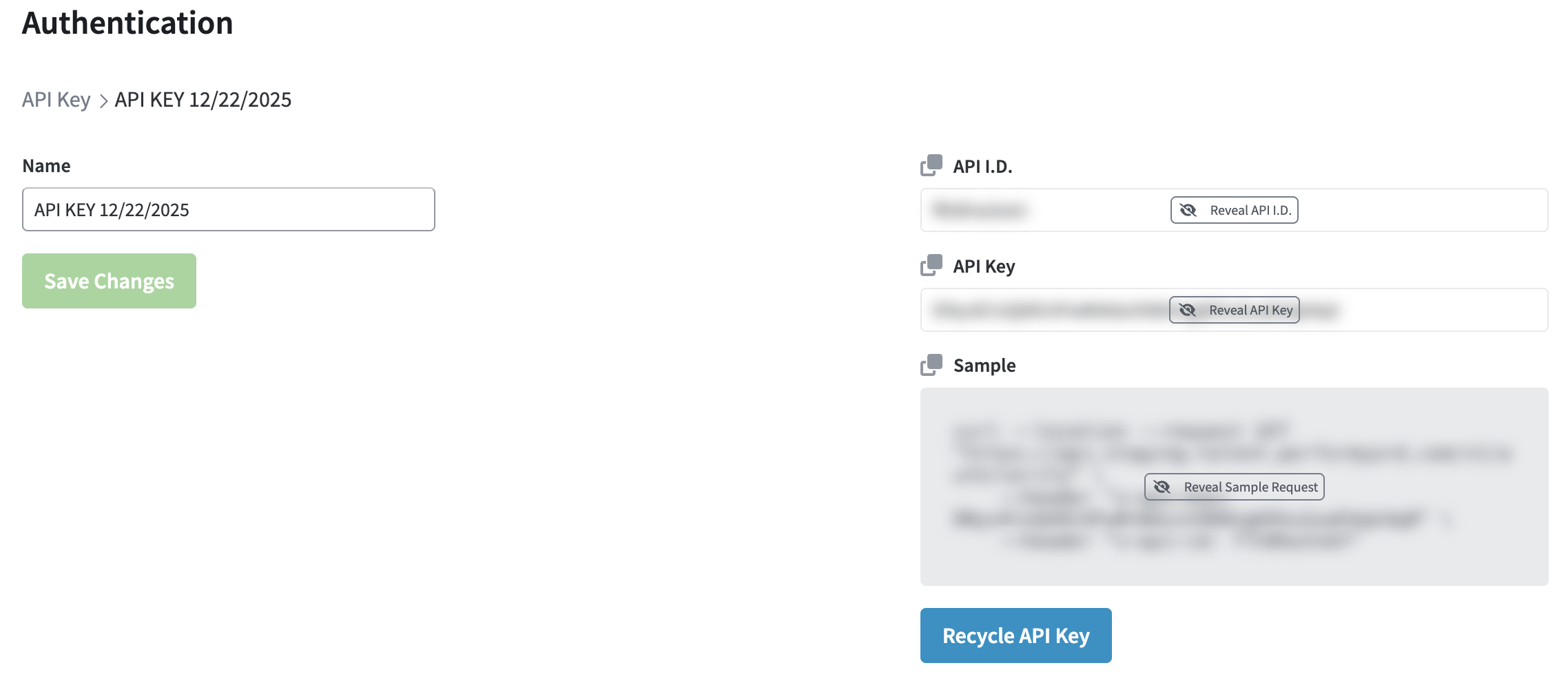
You'll be issued a key which you can rename. Note, the API I.D. and API Key values will be required as headers in each request made to the PerformYard API.
Editing Your API Key
To edit a previously created API key, click the ellipsis to the right of the API Key name and then Edit.

In addition to editing the API key name, you can also recycle the API key. When an API key is recycled, its ID, Key, and Sample values are regenerated. Note that any previous values will no longer function after the key has been recycled.
To recycle an API key, click the ellipsis menu and select Edit. On the following page, click Recycle API Key.

Deleting Your API Key
Deleting an API key will delete and remove it from the list. Please note that there is no option to recover a previously deleted API key once deleted.
API Access Changes
Should your company's API access be disabled, all existing API keys will be automatically invalidated and removed from the Authentication page's API Key tab. Upon restoration of service, you'll need to generate new keys and update them in all implementation points.
Updated about 2 months ago